
 Image 1 of 1
Add subtle motion and visual interest to any Squarespace page.
What this plugin does
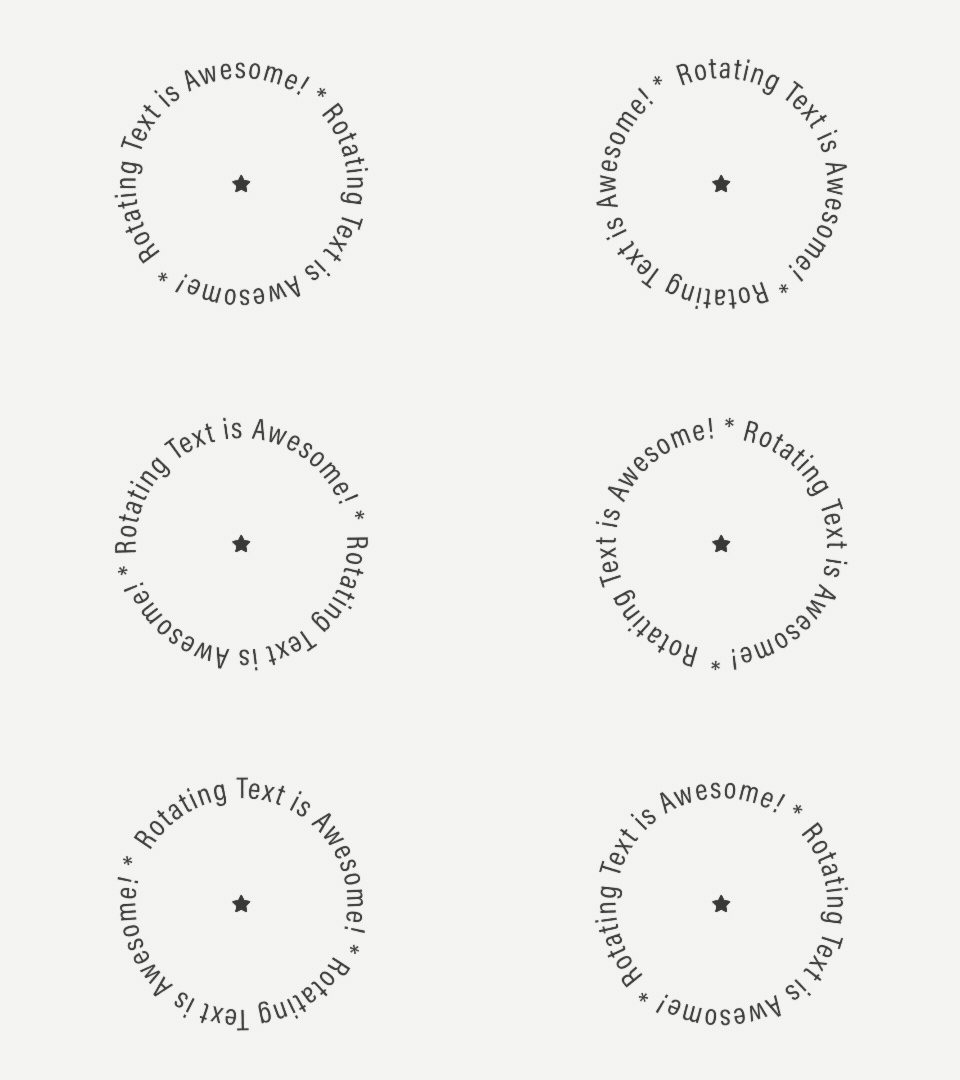
This plugin lets you add a rotating circle of text with an icon or image at the centre of it. It’s commonly used as a subtle scroll cue (for example “scroll down for more”), but it can also be used to draw attention to key sections or add visual interest to a layout.
The rotation is smooth, lightweight, and works across desktop and mobile devices.
Typical uses include:
Scroll prompts and directional cues
Highlighting key sections of a page
Adding motion without heavy animation tools
Enhancing minimalist layouts with subtle movement
How it works
This is a simple, copy-and-paste plugin designed for Squarespace 7.1.
Download the plugin files after purchase
Add the code to a Squarespace Code Block
Update the text, rotation speed, and icon or image
No JavaScript experience is required. A step-by-step setup guide is included.
Setup & skill level
Setup time: 5–10 minutes
Skill level: Beginner-friendly
If you’re comfortable copying and pasting code into Squarespace, you’ll be fine.
Ready to add rotating text to your site?
One-time purchase.
Instant download.
Clear, beginner-friendly setup guide.